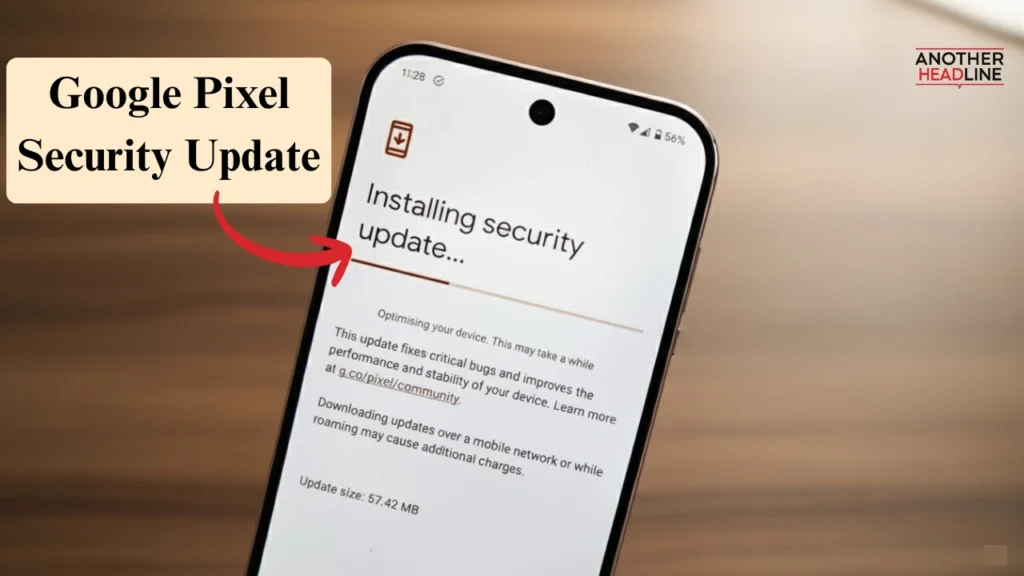
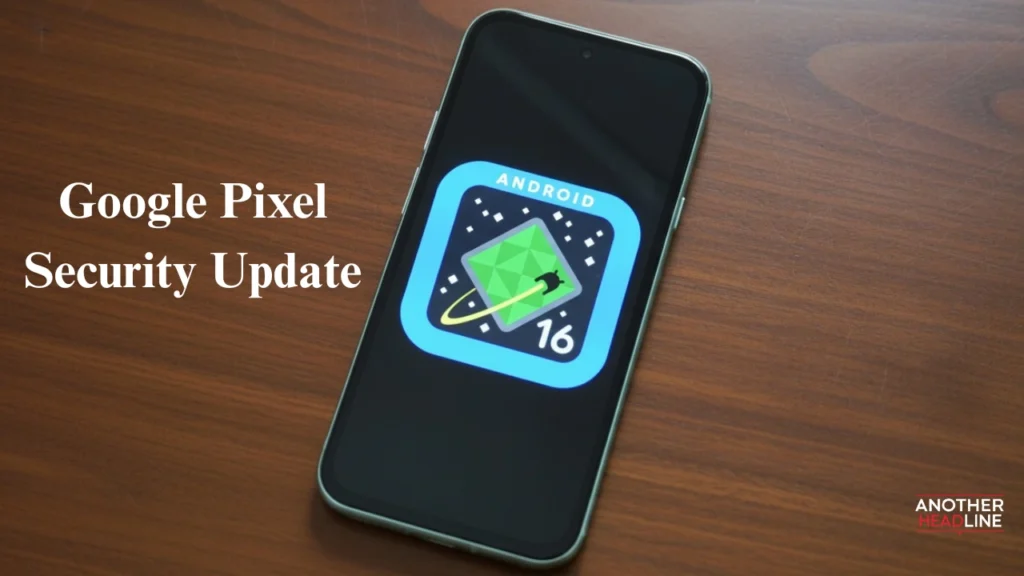
Google Pixel Security Update September 2025 is now available, and it’s one of the most significant releases of the year. Instead of being a routine patch, this update fixes 84 vulnerabilities while also enhancing performance and adding new features. Even more importantly, it addresses two zero-day exploits that were actively used by attackers, making the update critical for every Pixel owner.
Why the September 2025 Google Pixel Security Update Matters
Today’s smartphones store personal, financial, and business information, which makes them prime targets for hackers. That’s why the September patch is so important. It does not just fix minor glitches—it also closes serious gaps in Android security.
Highlights of the Update
- 84 vulnerabilities patched in total
- 2 zero-day exploits fixed before further misuse
- System-wide stability and smoother performance
- Device-specific improvements across Pixel models
- New features bundled with the Pixel Feature Drop
Key Security Vulnerabilities Fixed
Zero-Day Exploits Patched
Google urgently patched two major threats:
- CVE-2025-38352 (Kernel Privilege Escalation): Attackers could gain elevated privileges and control core functions of the device.
- CVE-2025-48543 (Android Runtime Exploit): Malicious apps could bypass defenses and execute harmful commands.
Other High-Severity Issues
In addition to zero-day fixes, the update also addresses:
Also Read

- Remote Code Execution (CVE-2025-48539): Attackers could run harmful code remotely.
- 27 Qualcomm Snapdragon component bugs: Vulnerabilities that risked data leaks and system instability.
Device-Specific Fixes in the Google Pixel Security Update
Different Pixel models received unique optimizations:
- Pixel 10 Series
- Fixed screen blackout during in-app browser use
- Better integration with Gemini AI
- Added Qi2 wireless charging support
- Pixel 8 and Pixel 9 Series
- Improved camera stability when switching lenses
- Enhanced audio quality for calls and music
- Pixel 6 to Pixel 9
- Faster and more accurate fingerprint recognition
- Better overall system reliability
Pixel Feature Drop: More Than Just Security
Along with security patches, Google rolled out a Pixel Feature Drop, keeping devices fresh and engaging.
What’s New in September 2025
- Material 3 Lock Screens: More expressive designs with themes and widgets
- Adaptive Audio for Pixel Buds Pro 2: Automatically adjusts to your environment
- LE Audio Auracast: Lets multiple users listen to the same stream simultaneously
- Androidify AI Bot Creator: Build a personalized AI avatar for fun interactions
- Revamped Gboard: Smarter typing suggestions and AI-powered corrections
How to Update Your Pixel Device
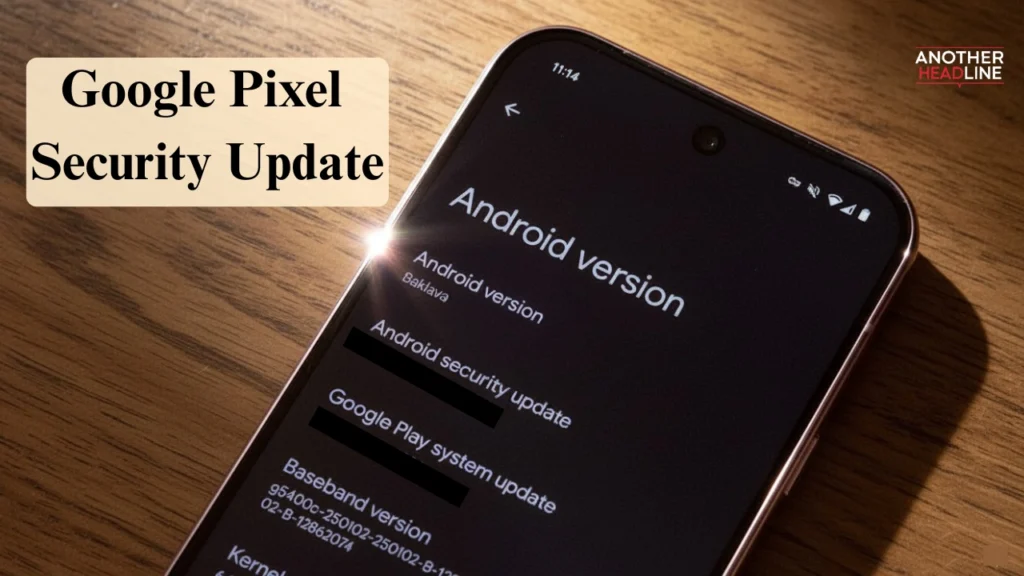
Steps to Install the Update
Updating is simple:
- Go to Settings.
- Tap System > System update.
- Select Check for update.
- Download and install the patch.
- Restart the device after installation.
Supported Pixel Models
- Pixel 6, 6 Pro, 6a
- Pixel 7, 7 Pro, 7a
- Pixel 8, 8 Pro
- Pixel 9, 9 Pro
- Pixel 10, Pixel 10 Pro (excluding Fold)
This patch supports devices running Android 13–16. If you’re still on Android 12, upgrading is strongly advised.
Why You Should Update Immediately in Google Pixel Security Update
Updating isn’t optional—it’s essential. Here’s why:
- Protect against hackers: Zero-day vulnerabilities were already being used in real-world attacks.
- Extend device life: Stability fixes make your Pixel run smoother for longer.
- Enjoy new features: The Pixel Feature Drop enhances personalization and functionality.
In short, delaying the update leaves your device exposed, while installing it boosts both security and user experience.
Final Thoughts
The Pixel Security Update September 2025 delivers far more than expected. By fixing 84 bugs, including two dangerous zero-day exploits, and introducing new features, Google has strengthened the Pixel ecosystem significantly.