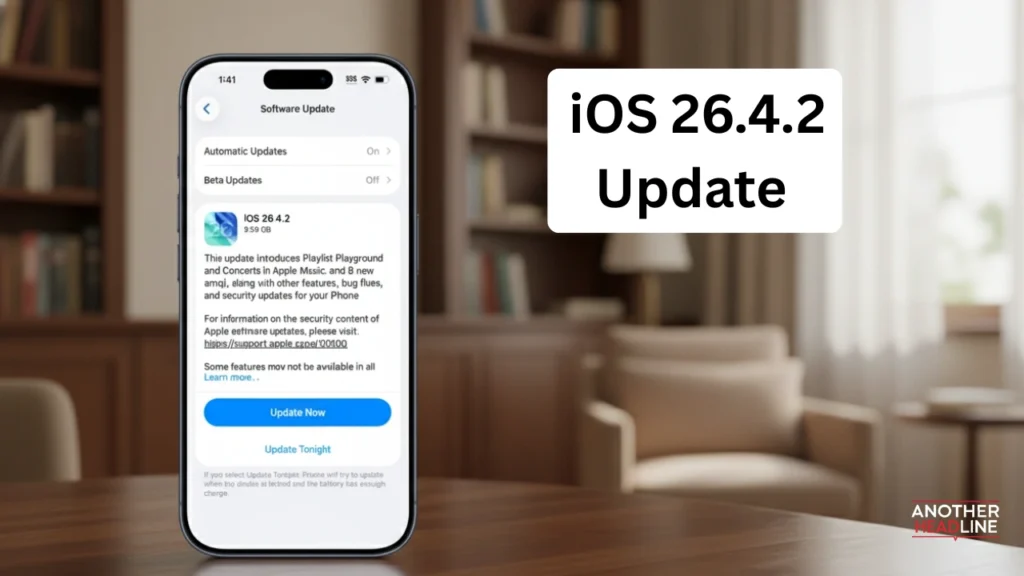
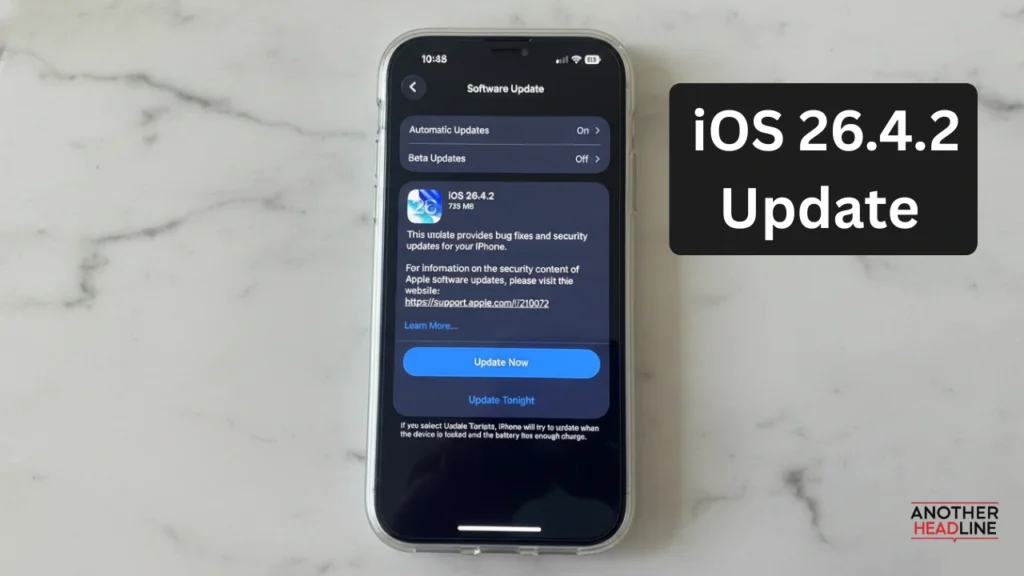
iOS 26.4.2 Update: iOS 26.4.2 has been officially rolled out by Apple, and while it may look like a small update, it carries a very important security fix. The company has also issued a clear warning encouraging users to update their devices immediately to stay protected. Unlike feature-heavy updates, this release focuses mainly on fixing a serious privacy flaw that could expose sensitive data.
What Is The iOS 26.4.2 Update About
This update mainly addresses a critical issue related to notifications and data privacy.
- Fixes a flaw in Notification Services
- Prevents deleted notifications from being stored on the device
- Improves data handling and privacy protection
- Includes general bug fixes and system improvements
Even though it may seem minor, the impact of this fix is quite significant.
iOS 26.4.2 Update Security Issue Explained
The biggest highlight of this update is the patch for a vulnerability that could allow access to deleted data.
Also Read

- Notifications marked for deletion were being retained
- Stored data could remain in the system database
- Issue tracked as CVE-2026-28950
- Affected apps including secure messaging platforms like Signal
This flaw raised concerns because it could expose private conversations even after deletion.
Why This iOS 26.4.2 Update Is Important
The vulnerability was not just theoretical but had real-world implications.
- Authorities reportedly accessed stored notification data
- Deleted messages could be recovered from notification logs
- Privacy-focused apps were also affected
- Highlighted risks in push notification storage systems
This made the update urgent for all iPhone users.
Signal App Confirmation
The developers of Signal have confirmed that the issue has been fixed in the latest update.
- Patch ensures deleted notifications are permanently removed
- No further action required after installing the update
- Prevents future data retention from deleted apps
- Enhances overall message privacy on iOS devices
This confirmation reassures users who rely on secure messaging.
How To Install The Update
Updating your iPhone is simple and only takes a few minutes.
- Open Settings
- Go to General
- Tap Software Update
- Download and install iOS 26.4.2
- Restart your device after installation
It is recommended to update as soon as possible to avoid any security risks.
Devices And Availability
The update is available for all supported iPhone models.
- Compatible with recent iPhone models
- Released alongside iPadOS 26.4.2 for iPads
- Also mirrored in older versions like iOS 18.7.8
This ensures that even users on older devices receive the same protection.
What This Update Does Not Include
Since the focus is on security, users should not expect new features.
- No new UI changes
- No additional apps or tools
- No performance upgrades beyond fixes
Major features are expected in upcoming updates like future iOS versions.
Additional Improvements
Apart from the main fix, the update includes some minor enhancements.
- Better data redaction in system logs
- Improved handling of background notifications
- General stability improvements
These changes contribute to a smoother and safer user experience.
Why You Should Update Immediately
Delaying this update could leave your device vulnerable.
- Protects personal and sensitive data
- Prevents unauthorized data access
- Ensures better privacy for messaging apps
- Keeps your device secure from known exploits
Updating quickly is the best way to stay safe.
Final Verdict
The iOS 26.4.2 update may look small, but it plays a critical role in protecting user privacy. By fixing a serious notification-related vulnerability, Apple has addressed a loophole that could have exposed sensitive information even after deletion. For iPhone users, this update is not optional but essential. It highlights the importance of keeping devices updated regularly, especially when it comes to security patches. Even without new features, iOS 26.4.2 is one of the most important updates in recent times due to its strong focus on privacy and data protection.