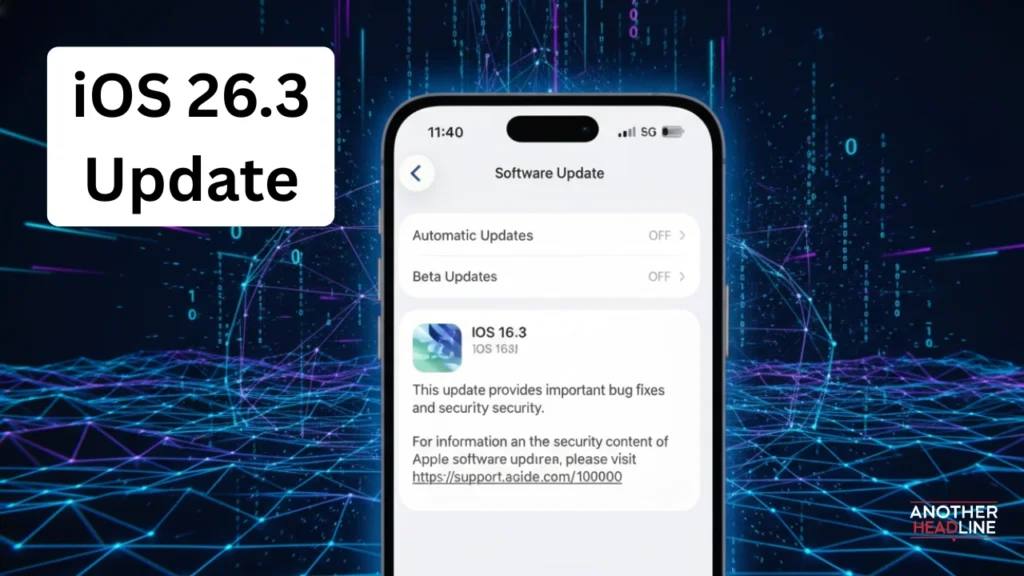
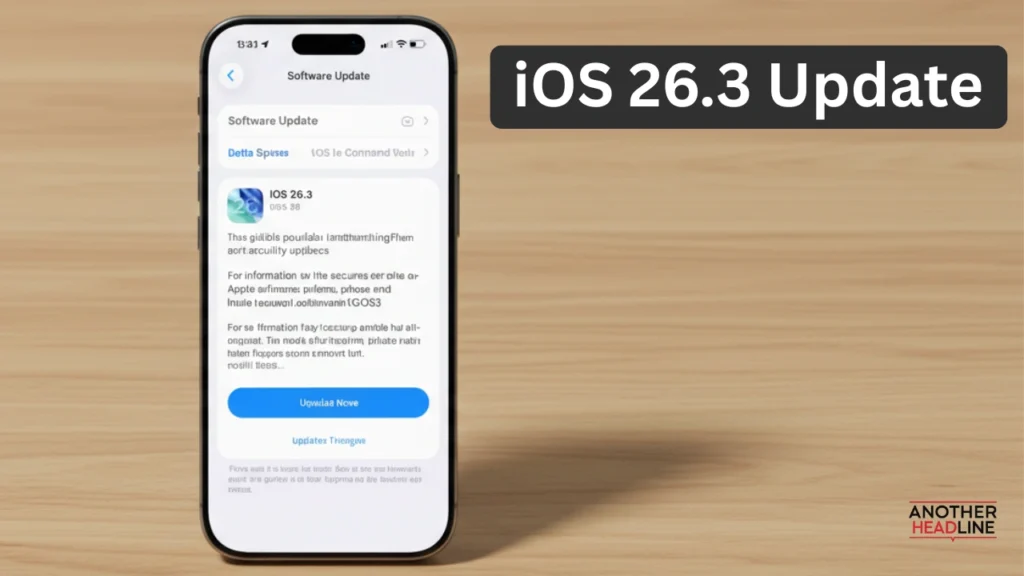
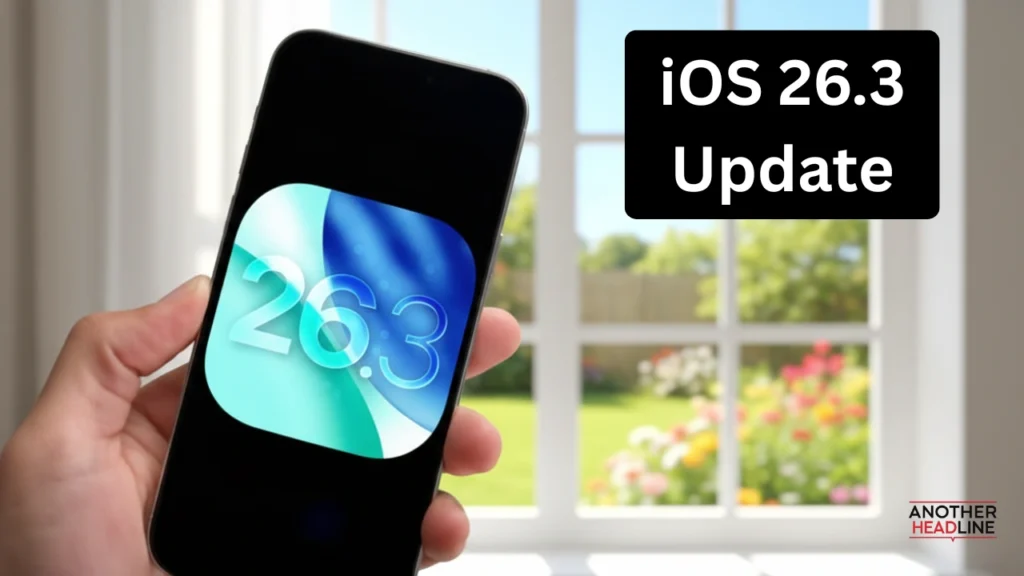
iOS 26.3 Update: Apple has officially rolled out the iOS 26.3 update, and while it may not look like a feature-packed release at first glance, it delivers meaningful improvements focused on privacy, stability, and cross-platform usability. Designed as a bridge between earlier iOS 26 releases and the upcoming iOS 26.4 update, iOS 26.3 fine-tunes the experience rather than reinventing it.
What’s New in iOS 26.3 Update
Easier Transfer From iPhone to Android
For the first time, Apple and Google have introduced a built-in, app-free transfer system between iPhone and Android devices.
What this means for users:
- Place your iPhone next to an Android phone to begin the transfer
- No need to install Move to iOS or Android Switch apps
- Transfer supported data such as:
- Photos and videos
- Messages and contacts
- Notes and mail accounts
- Apps and passwords
- WhatsApp chat history
Limitations to know:
Also Read
- Health data, encrypted notes, and Bluetooth-paired devices don’t transfer
- Both devices must be on the same Wi-Fi network with Bluetooth enabled
- A QR code appears to securely start the process
This feature reflects growing regulatory pressure for platform openness and makes switching ecosystems far less painful.
New “Limit Precise Location” Privacy Setting
Privacy is the standout theme of iOS 26.3. A new carrier-level privacy toggle allows users to restrict how precisely mobile networks can track location.
How it works:
- Carriers see only an approximate neighborhood, not your exact address
- App-based location sharing (like Find My) remains unaffected
- Reduces background carrier tracking through cellular towers
Important notes:
- Available only on devices with Apple’s newer cellular modems
- Supported by select carriers in the US, UK, Germany, and parts of Asia
- Requires a device restart when toggled on or off
This setting adds a new layer of protection many users didn’t realize was missing.
Weather Wallpapers Get Their Own Section
Apple has quietly cleaned up Lock Screen customization by separating Weather and Astronomy wallpapers.
What’s changed:
- Weather wallpapers now have a dedicated category
- Three redesigned styles showcase:
- Dynamic fonts that adapt to conditions
- Smarter widget placement
- Visual effects like raindrops interacting with the clock
While subtle, this update improves clarity and personalization for Lock Screen design.
Security Fixes You Shouldn’t Ignore
iOS 26.3 includes dozens of critical security patches, including one vulnerability that was already being exploited in the wild.
Security improvements include fixes for:
- Arbitrary code execution via system processes
- Media files crashing apps
- Lock Screen photo access exploits
- Game Center and Messages sandbox bypass issues
Apple strongly recommends updating immediately, as publicly disclosed vulnerabilities are often targeted quickly.
Exclusive Features for European Users
Due to regional regulations, iOS 26.3 unlocks several changes specifically for users with European Apple accounts.
These include:
- Proximity pairing for third-party headphones and wearables, similar to AirPods pop-up pairing
- Expanded NFC access for developers, allowing payments and digital keys inside third-party apps
- Broader device interoperability, opening AirDrop-like and AirPlay-style features to non-Apple hardware
Some features remain in beta and are expected to be fully enabled later this year.
5 Things You Should Do After Installing iOS 26.3 Update
To get the most out of the update, iPhone users should:
- Turn off beta updates if previously enrolled
- Enable background security updates for faster protection
- Review and restrict unnecessary app location permissions
- Update all apps to maintain compatibility and security
- Check battery health and consider replacement if it’s near 80%
These steps ensure better performance, privacy, and long-term device health.
What’s Next After iOS 26.3 Update?
Apple is expected to preview iOS 26.4 soon, which is rumored to introduce:
- Major Siri intelligence upgrades
- New emojis
- Deeper AI-powered system features
Until then, iOS 26.3 serves as a crucial stability and privacy upgrade that every eligible iPhone user should install.
Final Verdict
The iOS 26.3 update may not deliver flashy new features, but it stands out as a smart, stability-focused release that meaningfully improves everyday iPhone use. With smoother cross-platform data transfer, stronger carrier-level privacy controls, cleaner Lock Screen customization, and critical security fixes, Apple has reinforced trust and usability without disrupting the user experience. It’s a highly recommended update for all compatible devices and a solid foundation that prepares iPhones for the much bigger changes expected in iOS 26.4.