Apple iOS 26.1 Update: Apple has officially started rolling out the iOS 26.1 update, marking the first major upgrade since iOS 26 launched in September. This new version focuses on refining the user experience with interface customization, performance enhancements, and stronger security. Whether you’re a casual iPhone user or a tech enthusiast, here’s a complete look at what’s new in iOS 26.1, how to download it, and which devices support it.
What’s New in Apple iOS 26.1 Update
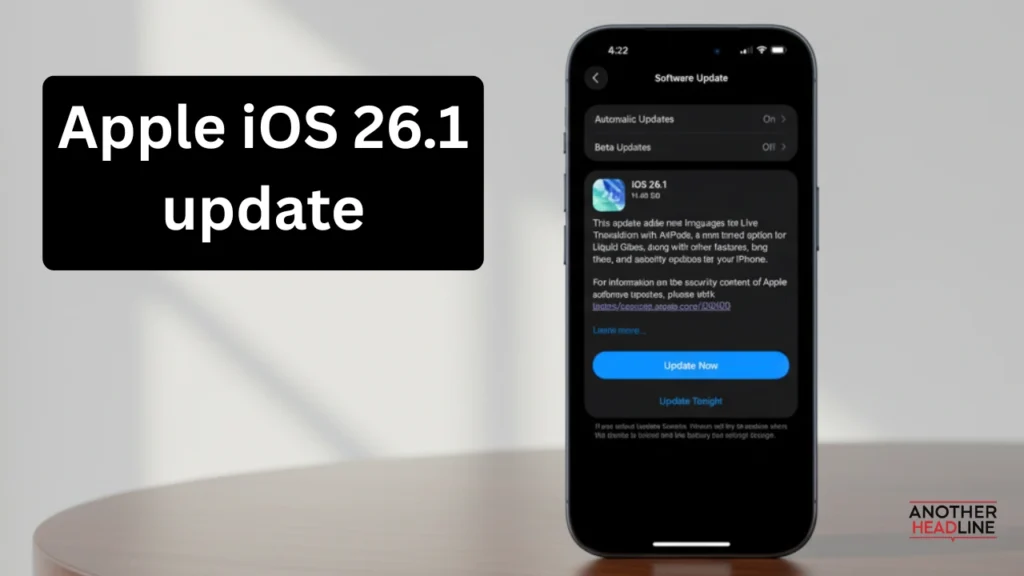
Apple iOS 26.1 brings a mix of visual, functional, and security improvements designed to make everyday use smoother and safer.
Liquid Glass Customization
- New Transparency Toggle: Users can now choose between two visual modes – Clear and Tinted – under Display & Brightness settings.
- Clear Mode: Keeps the translucent style introduced with iOS 26.
- Tinted Mode: Adds a frosted layer that increases opacity for better visibility and contrast.
- This change directly addresses user feedback about readability on bright backgrounds.
Lock Screen Camera Gesture Control
- A long-requested feature now lets users disable the left-swipe gesture that opens the camera from the Lock Screen.
- The setting can be found in Settings > Camera > Lock Screen Access.
- Prevents accidental camera launches in pockets or bags.
Improved Alarms and Timers
- Apple has redesigned the Lock Screen alarm interface.
- New “Slide to Stop” gesture ensures users don’t accidentally dismiss alarms when reaching for snooze.
- A small yet practical tweak that enhances reliability.
Apple Music Upgrades
- Swipe Gesture: Users can swipe across a song title to skip tracks quickly.
- AutoMix over AirPlay: Smooth transitions now work even when streaming music to AirPlay-compatible speakers.
- Improved playback experience for music lovers on the go.
Enhanced AirPods Translation
- Live Translation now supports additional languages including Japanese, Korean, and both Simplified and Traditional Chinese.
- Real-time translation through AirPods makes cross-language communication easier than ever.
Apple Intelligence Expands
- Apple’s on-device AI system now supports Danish, Dutch, Turkish, Vietnamese, and more.
- Expands accessibility for global users while enhancing features like voice input, text prediction, and contextual understanding.
Interface and Design Tweaks
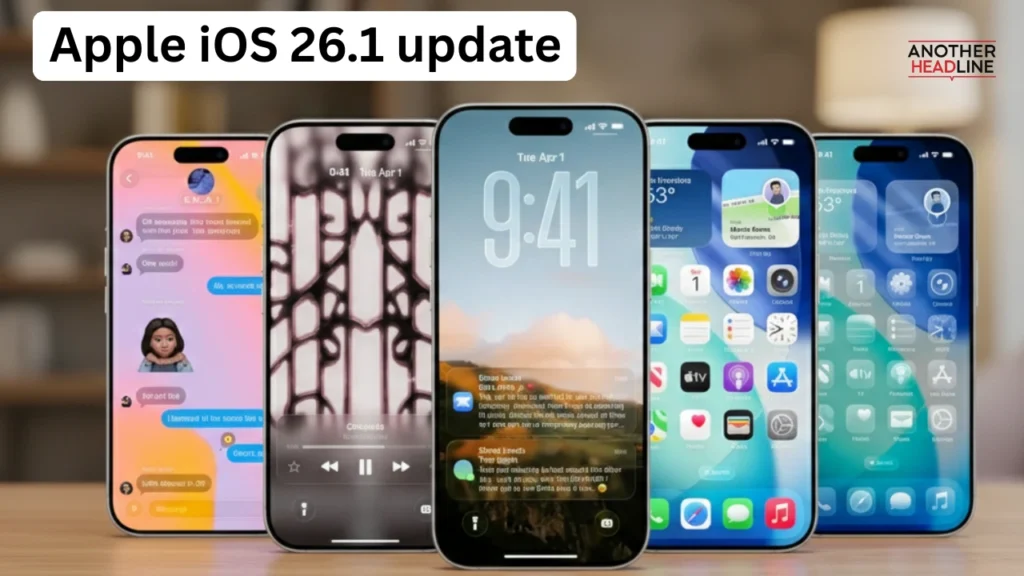
- Settings App & Folders: Shifted to a left-aligned header layout for a more modern, consistent look.
- Phone App: Option to disable haptic feedback when calls connect or end.
- Photos App: Improved editing tools and a smoother video slider.
- Safari: Slightly narrower tab bar to reduce clutter and optimize screen space.
Fitness and Health Improvements
- Users can now create custom workouts by setting their preferred activity type, duration, and calorie goals directly in the Fitness app.
- Manual workout logging gives more flexibility to fitness enthusiasts.
- Accessibility upgrades include a Display Borders option, replacing Button Shapes for clearer UI outlines.
New Security Enhancements
- iOS 26.1 introduces an automatic background security update toggle located under Privacy & Security > Security Improvements.
- These small, silent updates install automatically between major versions to keep your iPhone protected from emerging threats.
- Replaces the older “Rapid Security Response” feature for a more seamless experience.
Performance and FaceTime Updates
- FaceTime audio now performs better in low-bandwidth conditions, reducing dropouts and distortion.
- System-wide optimizations make multitasking smoother and animations more consistent across apps.
iPadOS 26.1 Highlights
Alongside iOS 26.1, Apple also rolled out iPadOS 26.1, bringing back the Slide Over feature for improved multitasking. Users can now swipe between apps while maintaining an active window setup. The update also adds the Vision Pro app to compatible iPad models, reinforcing Apple’s move toward spatial computing integration.
How to Download iOS 26.1 Update
Updating to iOS 26.1 is simple:
Also Read
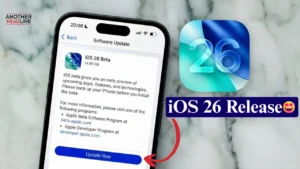
- Go to Settings > General > Software Update.
- Tap Download and Install.
- Follow the on-screen instructions and ensure your device is charged and connected to Wi-Fi.
Apple iOS 26.1 Update Supported Devices
The Apple iOS 26.1 update is available for:
- iPhone 11 and later models
- iPhone SE (2nd generation and newer)
Final Thoughts
The Apple iOS 26.1 update is a thoughtfully refined release that focuses on user comfort, customization, and security rather than flashy new features. Apple has clearly listened to user feedback — the Liquid Glass Tinted mode improves readability, the Lock Screen camera toggle prevents accidental launches, and the background security updates quietly strengthen protection without interruptions. Performance feels smoother, visuals are cleaner, and usability improvements across apps like Music, Fitness, and FaceTime make iOS 26.1 feel more polished overall.